Share LocalPhotoTool
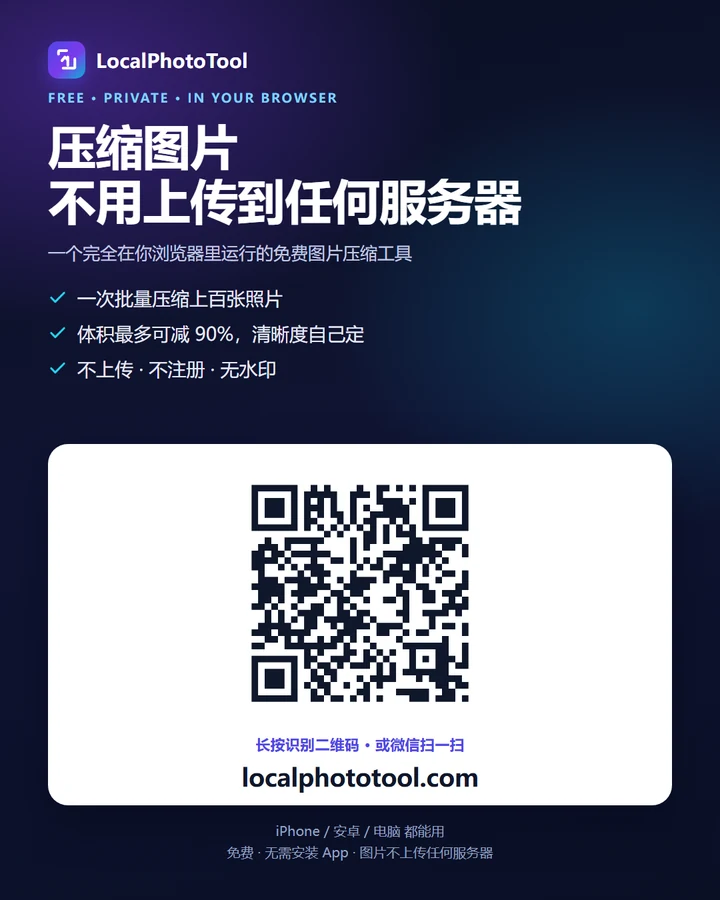
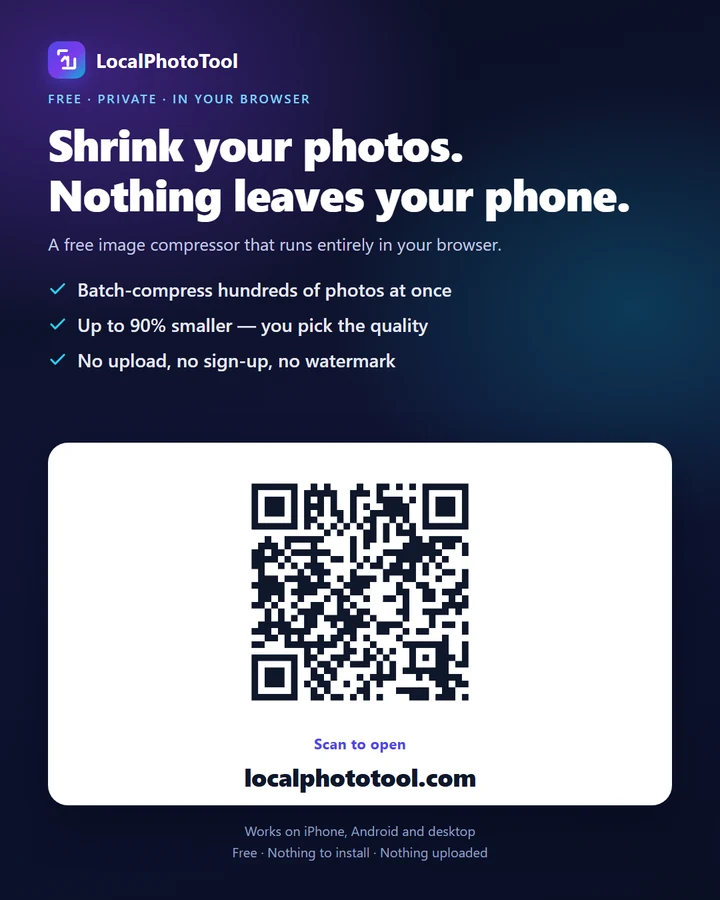
Scan the code to open the compressor on your phone, or save one of the posters and post it wherever you like. Either way, people land on a tool that never asks them to upload anything.

How to share this site with someone who needs it
There are three ways to share a link, and none of them works without an account or a sign-up. On a phone, point the camera at the code above. On a laptop, hit Copy link and paste the URL wherever you talk. On a Mac you can also share it through AirDrop to someone sitting at the next desk, and the receiver opens a compressor that runs entirely on their own device.
The page is meant to be opened on another device — a phone that has never visited this site before, or a friend's laptop — so it works identically there, with no sign-up and no stored preference to set up.
Save a poster, post it anywhere
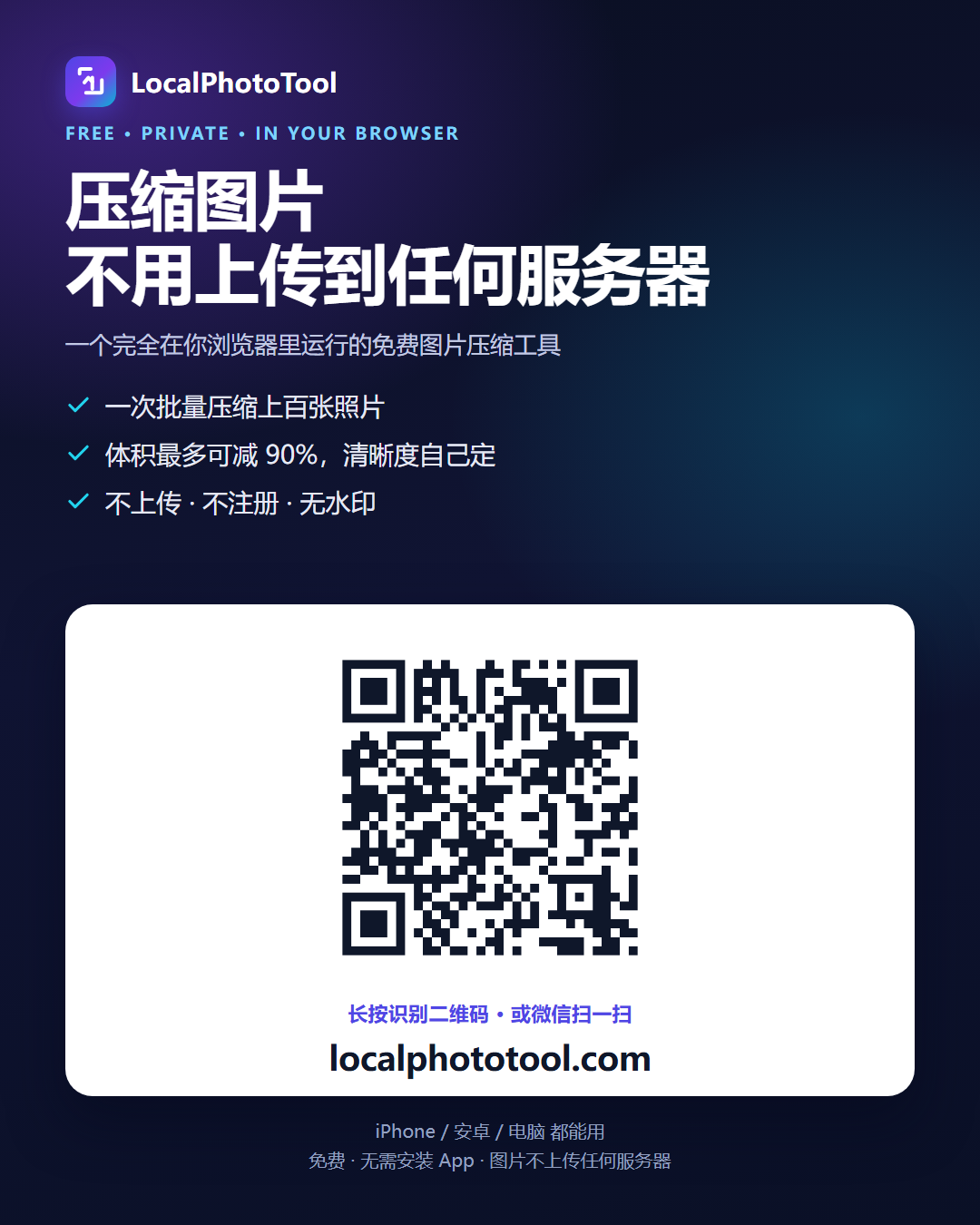
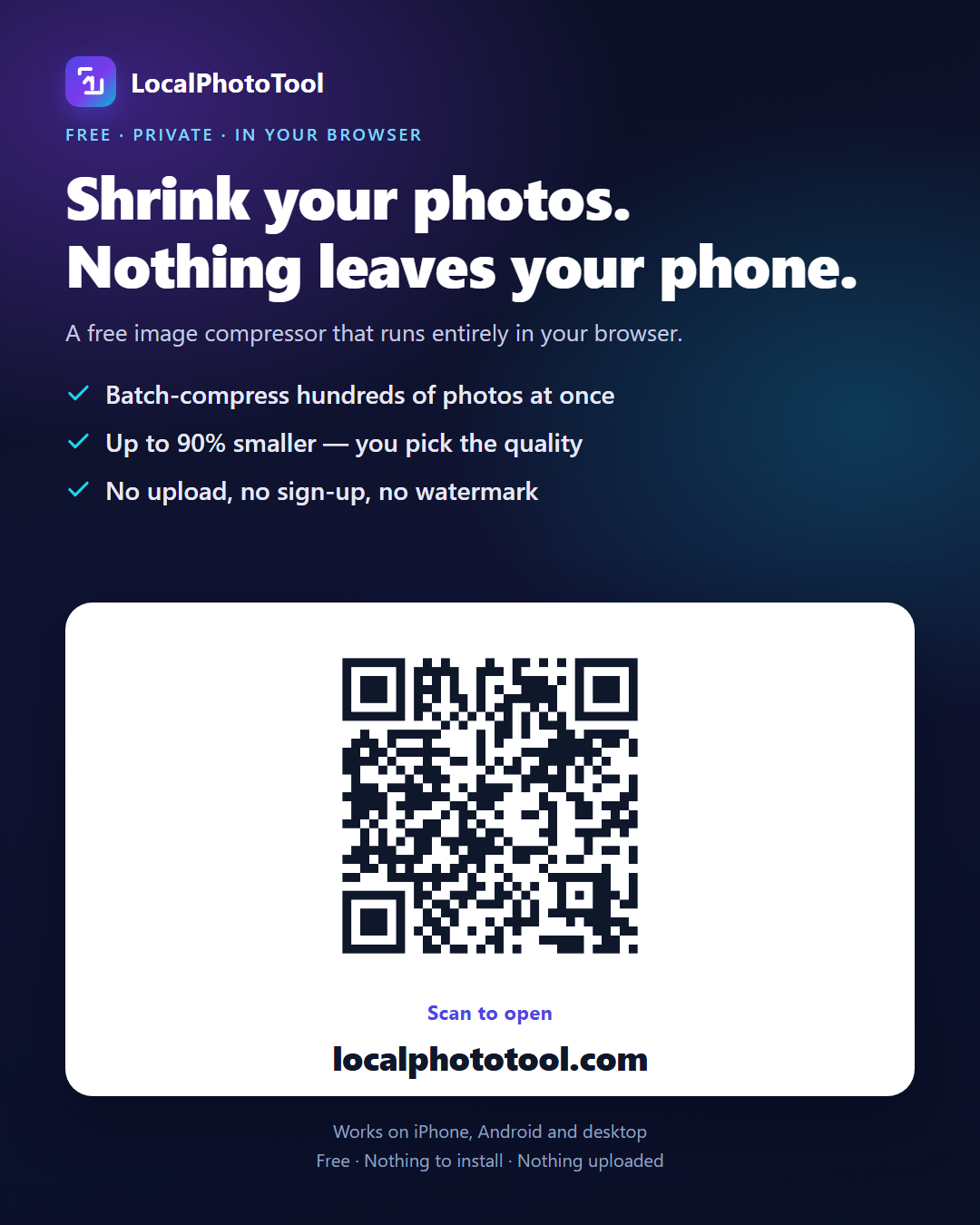
Save one and post it to any feed or chat. Both were checked after the aggressive re-compression chat apps apply — WhatsApp, Telegram, iMessage, WeChat — the code still scans at 480 pixels wide.
Copy for your post
Steal one of these, or write your own. The link is short enough to paste anywhere.
Compress photos right in your browser — nothing is uploaded, nothing is installed. Batch, WebP/AVIF, free. https://localphototool.com/
Phone full of photos but hate uploading them to some server just to shrink them? This tool compresses everything on your own device — batch, typically 24–68% smaller on real camera photos, no sign-up, no watermark. https://localphototool.com/
(中文)免费图片压缩小工具:全程在浏览器里跑,照片不上传任何服务器,一次上百张,体积最多小 90%。 https://localphototool.com/
Frequently asked questions
Do I need an app to scan the QR code?
No. The code is meant for the camera app that is already on the phone — iOS and Android both read a code off a screen without an extra download. In-app browsers are the exception: open this page inside WeChat, Telegram or a social app's browser and scanning sometimes has to be started from a button, because those apps replace the native camera. If that happens, long-press the image and choose Extract QR code (iOS) or Scan QR code (Android), or copy the link from the button above and paste it into the browser instead.
What does the code decode to, and why the home page?
The code carries the bare domain, localphototool.com. Anyone who scans it lands on the home page, where the compressor and every other tool are one tap away. A code that jumped straight into the compressor would be a shorter path for someone who already wanted that one tool, and a dead end for everyone else who scans out of curiosity.
Do the posters carry any data of mine?
No. Both posters are flat PNG files showing a picture of the code. They contain no account, no identifier, no uploaded photo and no tracking pixel — you are sharing a picture of the tool, not the state of the tool. The QR image itself is a static file too.
Will the code still scan after WhatsApp or Telegram shrinks the poster?
Yes. Those apps re-compress an image before it is sent, and again when the recipient opens the thread. We checked both posters after that process: the code still scans at about 480 pixels wide, which is roughly where a re-compressed image ends up. Save the Chinese poster or the English poster as a PNG and send the original if the code has to survive something harsher.
Can I put my own code on a poster?
Yes. Use Download QR above — the file is a plain 1024×1024 PNG — and drop it into any editor on top of your own design. The phone-to-PC transfer page uses the same kind of code for a different job, because there the two screens have to sit side by side. This site has no QR generator of its own; this code was made once and is served from the same folder as everything else.
Is anything on this page tracking me?
No advertising, no cookies, no cross-site tracking and no upload endpoint. Every page here is a static file your browser reads directly. The one third party involved is Cloudflare, which counts visits through its privacy-preserving Web Analytics — cookie-free, no profiles, nothing to identify you.
Related tools
Once the phone is on the site, these are the tools most people reach for next.
- Compress images — the tool the code leads to.
- Transfer a photo from phone to computer — the same idea without a code, over the same wifi.
- Compress without uploading — what “no upload” actually means on this site.
- Batch rename and Metadata editor, for files after they have been through the compressor.
- Remove background, if the photo needs a transparent canvas instead of a smaller one.