100% on-device — your photos never leave your browser

Compress images without
uploading them anywhere

Compression started it; the toolkit has grown around it. Seventeen tools for shrinking, converting, resizing, cutting backgrounds and scrubbing metadata — and none of them ever uploads your file.

  • No upload, ever
  • Unlimited files
  • No watermark or sign-up
  • Works on mobile
localphototool.com/compress
Drop your photos here or click to browse — up to hundreds at once
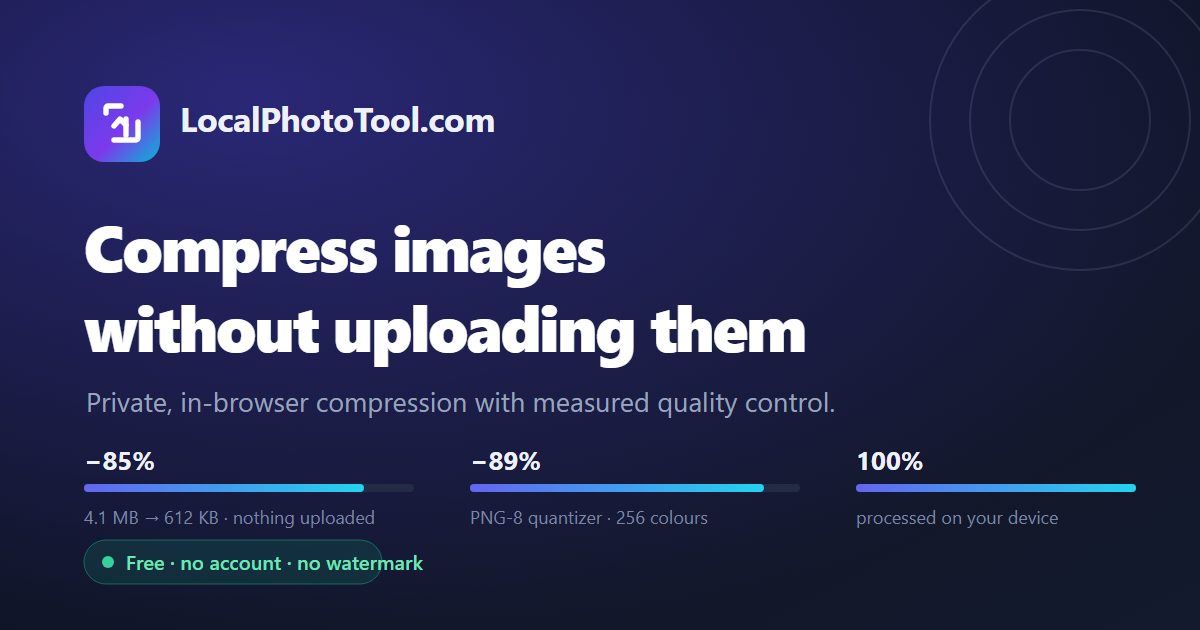
IMG_4402.heic 4.1 MB → 612 KB · 4032×3024 → 2560×1920
−85%
screenshot-dashboard.png 1.8 MB → 203 KB · PNG-8 · 256 colors
−89%
Popular tools the six people reach for most
0 bytes
Uploaded to a server
24–68%
Smaller, measured on real camera photos
4 formats
JPEG · PNG · WebP · AVIF
Offline
Keeps working with no connection
Why LocalPhotoTool

Most compressors guess. This one measures.

Typical tools re-encode your file at a fixed quality setting and hope for the best. Every image is different, so that either wastes bytes or visible detail. LocalPhotoTool analyzes each picture first, then chooses settings that fit that image.

Perceptual auto quality

The engine encodes a test proxy at several quality levels, decodes each result and measures real PSNR against the original. It keeps the smallest file that clears a 40 dB fidelity floor — the point where differences stop being visible.
Exact target file size

Need an image under 200 KB for a job application or marketplace listing? Target Size mode binary-searches quality, then downscales progressively, until the file genuinely lands under your budget.

Quality that survives resizing

Downscaling uses iterative halving with high-quality smoothing instead of one large resample, which is what causes aliasing and crunchy edges elsewhere. Optional halo-free sharpening puts micro-contrast back afterwards.

Real batch processing

Drop in as many files as you like. They are processed in parallel background workers with live per-file progress, then handed back as individual downloads or a single tidy ZIP archive.

Private by architecture

There is no upload endpoint on this site at all — the page is static and does all the work locally. That also makes it genuinely fast: no queue, no transfer time, and it keeps working on a flaky connection. You do not have to take the privacy claim on trust: here is how to verify that nothing leaves your device. We ran that same test on nine other compressors — two of them upload your photo.

Built for phones

The whole workflow is touch-first: big drop targets, a sticky action bar, pinch-friendly comparison, and no horizontal scrolling. It handles iPhone HEIC photos too, so you can compress straight from your camera roll.

The toolkit

Seventeen tools on one local engine

Compression started it, but the toolkit has grown. Everything below runs on the same local-first engine, entirely in your browser — free, no account, and no file ever leaves your device.

Compress to an exact KB target Batch ZIP on desktop and Android No account, no watermark, no queue
Honest comparison

How this differs from a typical upload service

Things that run on a server are not necessarily bad, but they trade the same three things away. This is what changes when the work happens on your own device.

  LocalPhotoTool Typical upload-based tool
PrivacyFiles never leave the device — no upload endpoint existsOriginals are transferred to and stored on a third-party server
Quality controlMeasured per image against a 40 dB fidelity floor, with an exact KB target when a form demands oneA fixed preset such as "80%", plus a slider you adjust by trial and error
Batch and formatsParallel workers, one-click ZIP, palette-quantized PNG and EXIF stripped up frontOften capped at a handful of files, and PNG quietly turned into lossy JPEG
CostFree, unlimited, no accountWatermarks, file caps or subscriptions
How it works

Three steps, the same in every tool

Add your images

Drag and drop, paste from the clipboard, or tap to browse. On a phone you can pick straight from the photo library, HEIC included.

Pick a strategy

For the compressor, Auto lets the engine decide per image and Target Size lands under an exact KB budget.

Save the results

Take them one at a time, or the whole batch as a ZIP. Compare before and after with the split viewer first.

LocalPhotoTool compressor interface showing a batch of photos being compressed to a fraction of their original file size without uploading
The compressor runs entirely in your browser — the photos you drop never leave your device.

Good to know: because everything runs locally, closing the tab discards the working copies immediately. Nothing is cached, logged or retained — there is simply nowhere for it to go.

FAQ

Questions people actually ask

Are my images uploaded to a server?

No. LocalPhotoTool is a static site. Images are decoded, resampled and re-encoded inside your browser using the Canvas API and Web Workers. There is no upload endpoint in the codebase, so your files cannot leave your device even by accident.

Is it really free with no limits?

Yes. There is no account, no file-count limit, no watermark and no per-file paywall. The only practical limit is your device memory, which comfortably handles photos up to roughly 80 megapixels at a time.

How much smaller will my images get?

It depends on what you start with, so here are our own measurements rather than a marketing range. For a straight-from-camera JPEG (Q96, 2400×1600): output as WebP shrinks 24–54%, output as JPEG shrinks 38%, and output as AVIF shrinks 41–68% — all of them staying above a ~40 dB fidelity floor. A photograph that has already been optimised usually cannot be beaten at that fidelity, so the engine hands back your original instead of a larger file; two of three such photos in our test came back unchanged. Screenshots saved as PNG typically shrink 70–90% through palette quantization plus lossless re-encoding. The full table and method are on the compressor page.

Can I hit an exact file size, like 200 KB?

Yes. Target Size mode binary-searches encoder quality and, if needed, performs progressive downscaling until the result is under your budget. It is made for upload limits on forms, marketplaces, email attachments and CMS platforms.

Will compressing hurt my image quality?

Auto mode keeps output above a ~40 dB fidelity floor, which is the range where differences are not visible at normal viewing sizes. If you want guarantees rather than heuristics, use Quality mode with a high setting, or export PNG, which is lossless.

Which formats can I use?

Read: JPEG, PNG, WebP, AVIF, GIF (first frame), BMP and HEIC/HEIF on iOS. Write: JPEG, PNG, WebP and AVIF. Among the outputs, AVIF goes a further 20–30% below what JPEG achieves at the same measured fidelity; WebP comes out about level with JPEG, because MozJPEG is unusually strong at high quality settings. Pick AVIF when the smallest possible file matters more than encoding speed.

Is metadata such as GPS location removed?

Yes. Since images are rebuilt from pixels, EXIF, GPS coordinates, camera serial numbers and maker notes are stripped. The camera orientation tag is applied to the pixels first, so portrait photos stay upright instead of being rotated sideways.

Does it work on iPhone and Android?

Yes. The interface is responsive and touch-first, and the engine runs on any modern mobile browser. iPhone HEIC photos are converted locally in the browser before compression, so you do not need to change your camera settings.

Can I install it as an app?

Yes — and it is worth it. On Android the browser offers Install app; on iPhone tap Share then Add to Home Screen. The installed app opens full screen and, because everything runs on your device, it keeps compressing even with no connection at all. Use the install button in the header, or your browser's own menu.

Do you track visitors?

Only in aggregate, and without cookies. A random ID kept in your own browser is hashed on our server and counted once per day, so reloading or coming back does not inflate it. We do not display live numbers, and no advertising or third-party analytics scripts run here — see the privacy policy for the details.

How is this different from other image compressors?

Two things separate it. Most free online compressors — TinyPNG, Compressor.io, ILoveIMG and similar — upload your file, process it on a server and hand it back, which means your originals travel across the internet and sit on someone else's disk for however long their retention policy says. This site has no upload path at all. Second, those services mostly apply one fixed quality preset to every image. Here the image is measured first and the encoder is tuned to it, so the file you get back is as small as it can be at a fidelity floor rather than at a number somebody picked once. Browser-based tools such as Squoosh keep files local too; the difference is the per-image measurement and the exact target-size search.

What happens to my photos when I close the tab?

They are gone, and that is deliberate. Working copies live only in your browser's memory while the tab is open. Nothing is written to a server, nothing is queued, and nothing is kept after the tab closes — there is no copy anywhere for us to lose, and none for anyone to ask us for.

Do I need to install anything or sign up?

No. Open the page and drop a file in — it works in a normal browser tab on Windows, macOS, Linux, iOS and Android. There is no installer, no extension, no account and no email gate. Adding it to your home screen is optional and only useful if you want it to work without a connection.

Try it with one photo

You will see the before-and-after slider within seconds — and nothing will have left your device.